
Download Anonymity Gateway – Privacy Protection, IP Masking, Secure Browsing
Overview
Anonymity Gateway is a mobile application designed to enhance user privacy by concealing the device’s IP address and preventing online tracking. The app serves as a digital shield for individuals concerned about their digital footprint, offering a straightforward method to browse the internet with greater anonymity. It is particularly suited for users who prioritize online security but may lack advanced technical knowledge, making it accessible to a broad audience across age groups and experience levels.
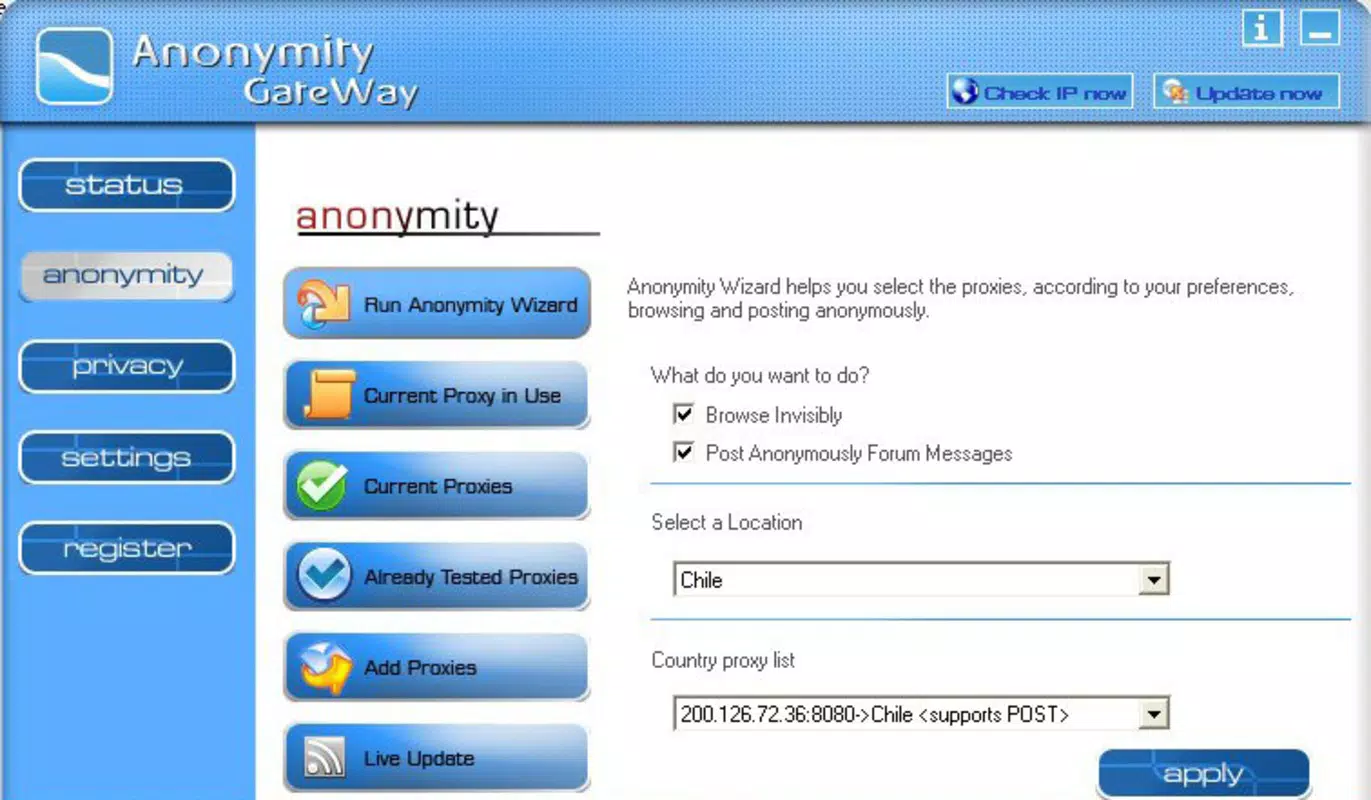
The app functions by routing internet traffic through proxy servers, which masks the user’s original IP address. This mechanism helps prevent websites, advertisers, and potential intruders from identifying or monitoring online behavior. Real-world use cases include accessing region-restricted content, protecting personal data while using public Wi-Fi, and maintaining privacy during sensitive browsing sessions. In today’s digital landscape, where data collection and surveillance are widespread, tools like Anonymity Gateway play a vital role in empowering users to take control of their online presence.
Developed by an unknown entity, the app has been available since 2008, indicating a long-standing presence in the privacy tool ecosystem. Although specific developer details were not provided, its longevity suggests consistent functionality and user trust. The app continues to serve as a utility for individuals seeking basic yet effective privacy protection without the complexity of advanced configurations.
Key Features & Functionality
- IP Address Masking: Anonymity Gateway routes internet traffic through proxy servers, effectively hiding the user’s original IP address. This prevents websites and third parties from tracing online activities back to the device.
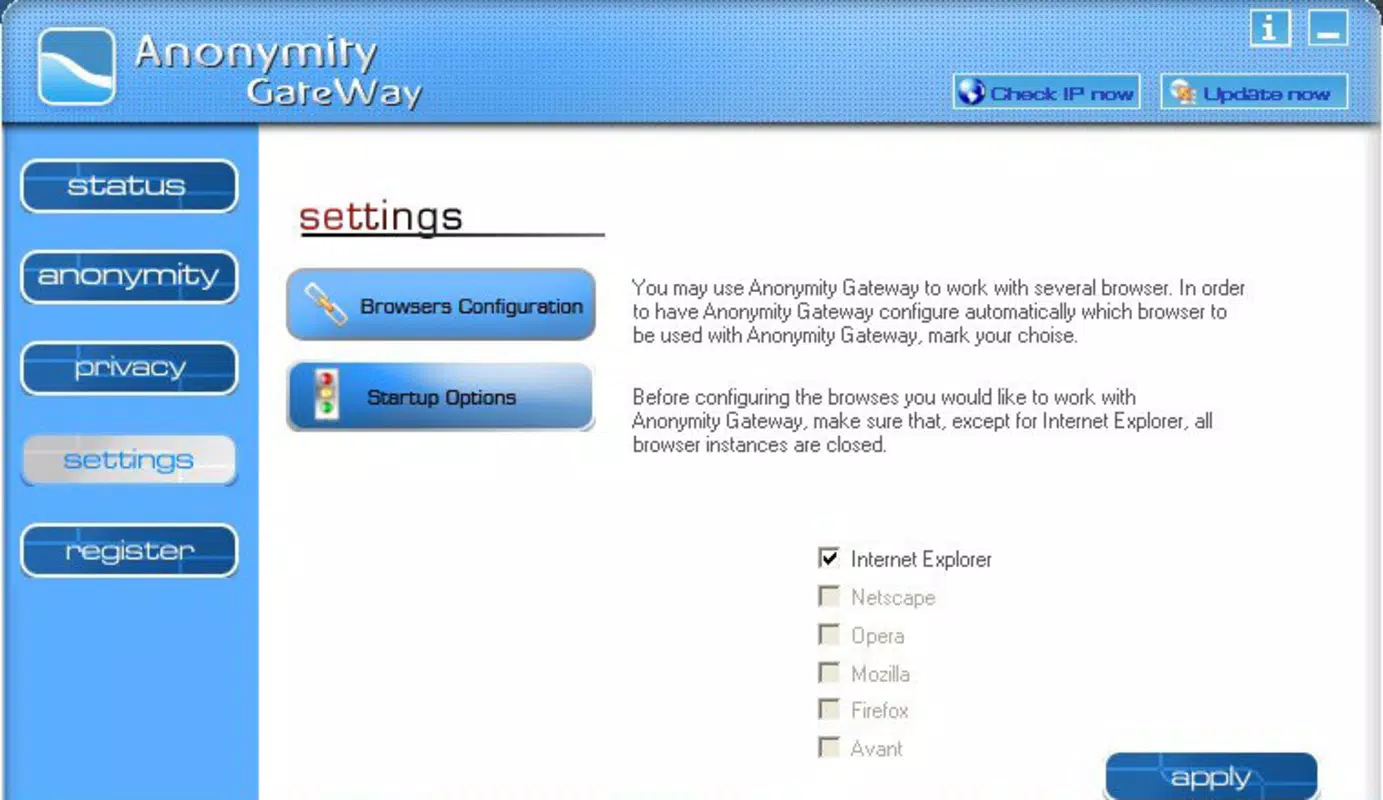
- User-Friendly Interface: The app features a clean, intuitive layout designed for ease of use. Even users with minimal technical experience can navigate settings and activate privacy modes without confusion.
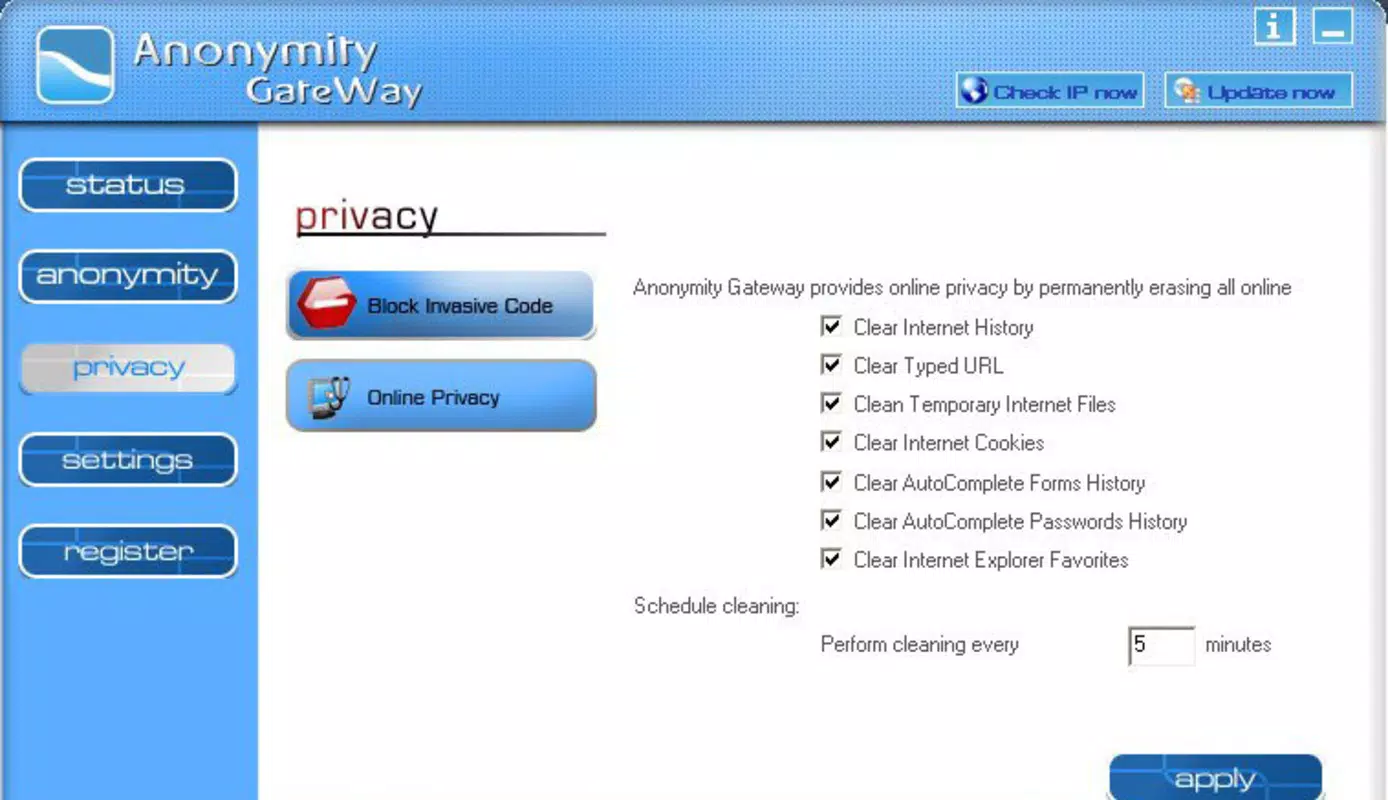
- Privacy Protection Tools: In addition to IP masking, the app includes utilities to clear cookies, temporary files, and browser history. These tools help eliminate digital traces left behind during browsing sessions.
- Malicious Code Blocking: The software actively detects and blocks harmful scripts or code that could compromise device security during web navigation.
- One-Click Activation: Users can enable full anonymity with a single tap, streamlining the process and reducing the chance of misconfiguration.
These features are particularly beneficial in scenarios such as using public networks, avoiding targeted ads, or browsing sensitive information without leaving a trace. The combination of IP masking and data cleanup enhances overall privacy, making the app a practical tool for everyday digital safety.
Interface, UX & Performance
The user interface of Anonymity Gateway is designed with simplicity and accessibility in mind. The layout emphasizes clarity, using minimalistic design elements and logical navigation paths. Primary functions are placed within easy reach, reducing the number of steps required to activate privacy features.
Navigation is straightforward, with clearly labeled buttons and a consistent visual hierarchy. Users can quickly switch between modes or access settings without encountering confusing menus. The app’s responsiveness appears to be optimized for standard mobile devices, though specific performance benchmarks were not disclosed.
Although the developer did not list formal performance metrics, the one-click activation and smooth interface suggest stable operation under typical usage conditions. The app maintains functionality without noticeable lag or crashes during basic tasks. Compatibility with various device types was not fully specified, but the design implies broad adaptability across common smartphone models.
Platform Compatibility & Technical Requirements
Anonymity Gateway is available for Android and iOS platforms. The current software version is not specified, nor are the minimum OS requirements. The file size of the application is also not provided by the developer.
Compatibility information was not fully disclosed, so users should ensure their devices meet general system standards for modern mobile applications. The developer did not specify whether the app supports older OS versions or requires a specific device configuration.
Given the release date of 2008, the app may have undergone updates over time, but current compatibility with recent mobile operating systems remains unclear. Users are advised to check official sources for the latest version and system compatibility details before installation.
Pros and Cons
Pros
- Simple, intuitive interface suitable for non-technical users
- Effective IP address masking for enhanced online anonymity
- One-click activation for immediate privacy protection
- Includes tools to clear browsing data and reduce digital traces
- Offers basic malware code blocking for added security
Cons
- Developer details were not provided
- Specific performance metrics or system requirements were not listed
- File size and version information were not disclosed
- Compatibility with recent OS versions remains uncertain
- No information on update frequency or long-term support
FAQ
Is Anonymity Gateway safe to use?
The app is designed to protect user privacy by masking IP addresses and blocking malicious code. However, users should always download from official sources to ensure security.
Can I use Anonymity Gateway on both Android and iOS?
Yes, the app is available for both Android and iOS platforms, though specific compatibility details were not fully disclosed.
Does Anonymity Gateway require a subscription?
The pricing information was not provided, so users should verify current costs through official channels.
How often does Anonymity Gateway receive updates?
Update frequency was not specified by the developer. Users should check for updates manually or through app store notifications.
Does the app work on older mobile devices?
Compatibility with older devices was not confirmed. The developer did not list minimum OS or hardware requirements.
Final Thoughts
Anonymity Gateway stands out as a practical tool for users seeking basic yet effective privacy protection on their smartphones. Its emphasis on simplicity, combined with essential features like IP masking, data clearing, and threat blocking, makes it a valuable asset for everyday browsing. While detailed technical information is limited, the app’s user-centric design ensures accessibility for all skill levels.
For individuals concerned about online tracking, public Wi-Fi risks, or digital footprints, Anonymity Gateway offers a straightforward solution. Its long-standing presence in the privacy space suggests reliability, even if modern support details are unclear.
Download Anonymity Gateway now


